Hey! What's Your Platform
I've been searching for a 'platform' to write my thoughts. A platform where there is no subscription-payment to join, no-one has to subscribe or pay to read my posts – and I, likewise don’t pay to read theirs – and it's independent of everything and everyone.
I asked Claude.ai – not in the exact above words – to find me such a platform – and write.as and another were the recommendations. Write.as is the one I shall start with.
So, what can I do here? Where's the formatting buttons? How do I insert an image. Ironically, my first post is about how to use this beast (trust me, Claude.ai did not refer to this platform as a 'beast,' nor did Claude.ai write this post – every fingered keyboard stroke is my own!)
So, poking around and mousing over the top-left icon (W), a drop-down menu surfaces and I see that I can switch from the 'Use Plain Editor’ to ‘Use Rich Editor.’ Great! Now, I have a menu at the top!!! So exciting! Wonder if I can insert an image? Yep, there it is… let’s stick something in here; I’m an amateur photographer (sometimes semi-pro $) and I love images, especially my own :D
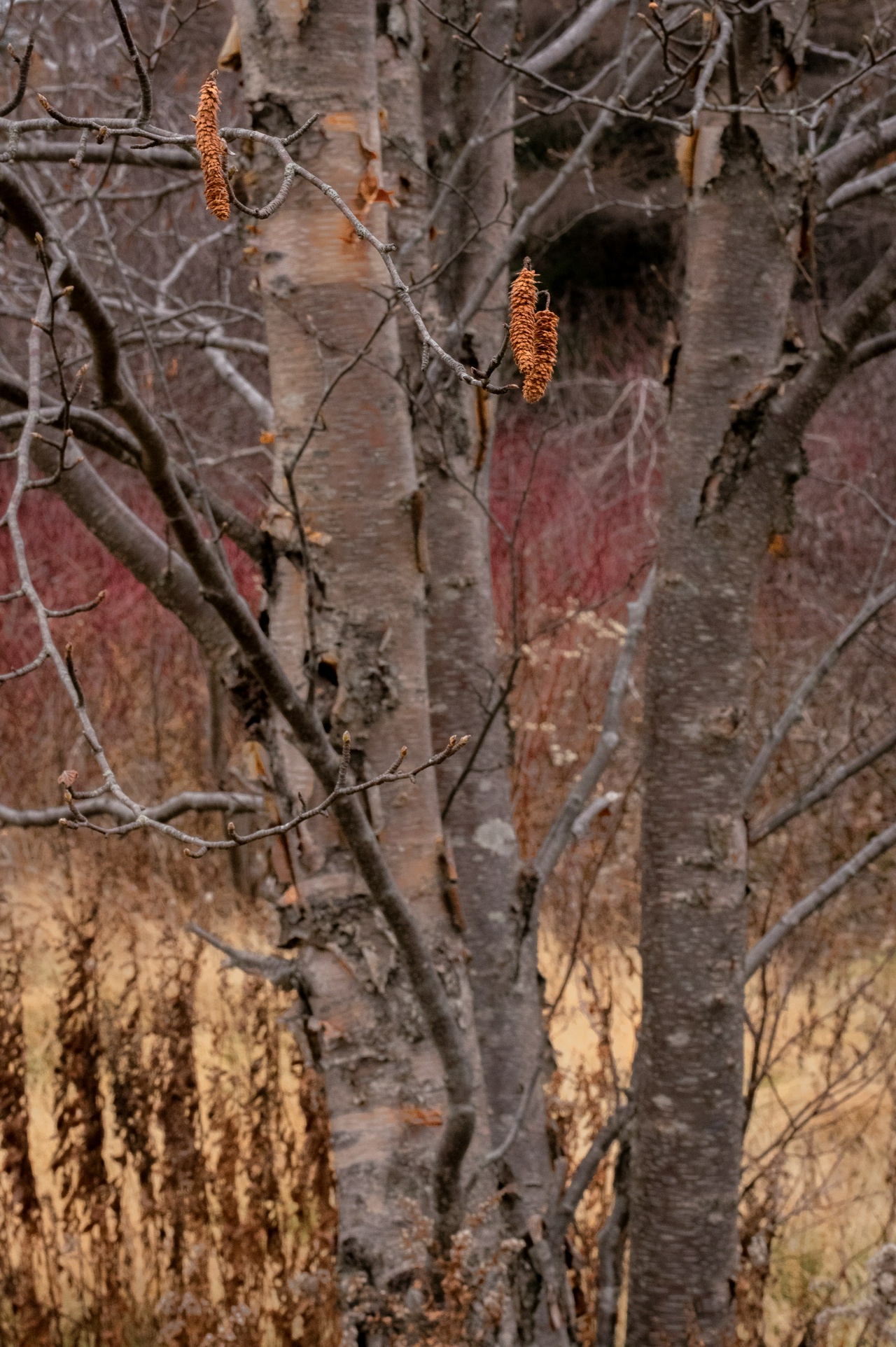
NEAT! I wonder what else I can do! Already my mind is racing, but as Claude told me—and I did ask for simplicity and independence—keep it simple. So, sit back, take a deep breath and relax. Write that simple blog post that you’ve always wanted. Distraction free! No commitment from or to anyone! Learn some markdown syntax and go from there. Yay!
Finally, to keep it basic and make me happy, I will place a border around my image. A quick internet search yields this result:
<img src="YOUR_IMAGE_URL" style="border: 2px solid #555555; padding: 5px;" alt="My Image">
Therefore, by switching back to the plain editor and thereby having my image show as code, I can modify and insert the search code to display the css on my image. That said, the modification failed and that's a wrap for this post. I shall update the 'trick' for a future post.
Have a nice day :)
W